Free Control
We’re continuing to update this guide. Some screenshots, features, and instructions may reflect an earlier product version and differ from the current interface. For help, contact support@pulsarfuture.com.
Free Control is for direct online control. Use it when the user wants to control the device manually, let a partner control it remotely, or choose from built-in programs.
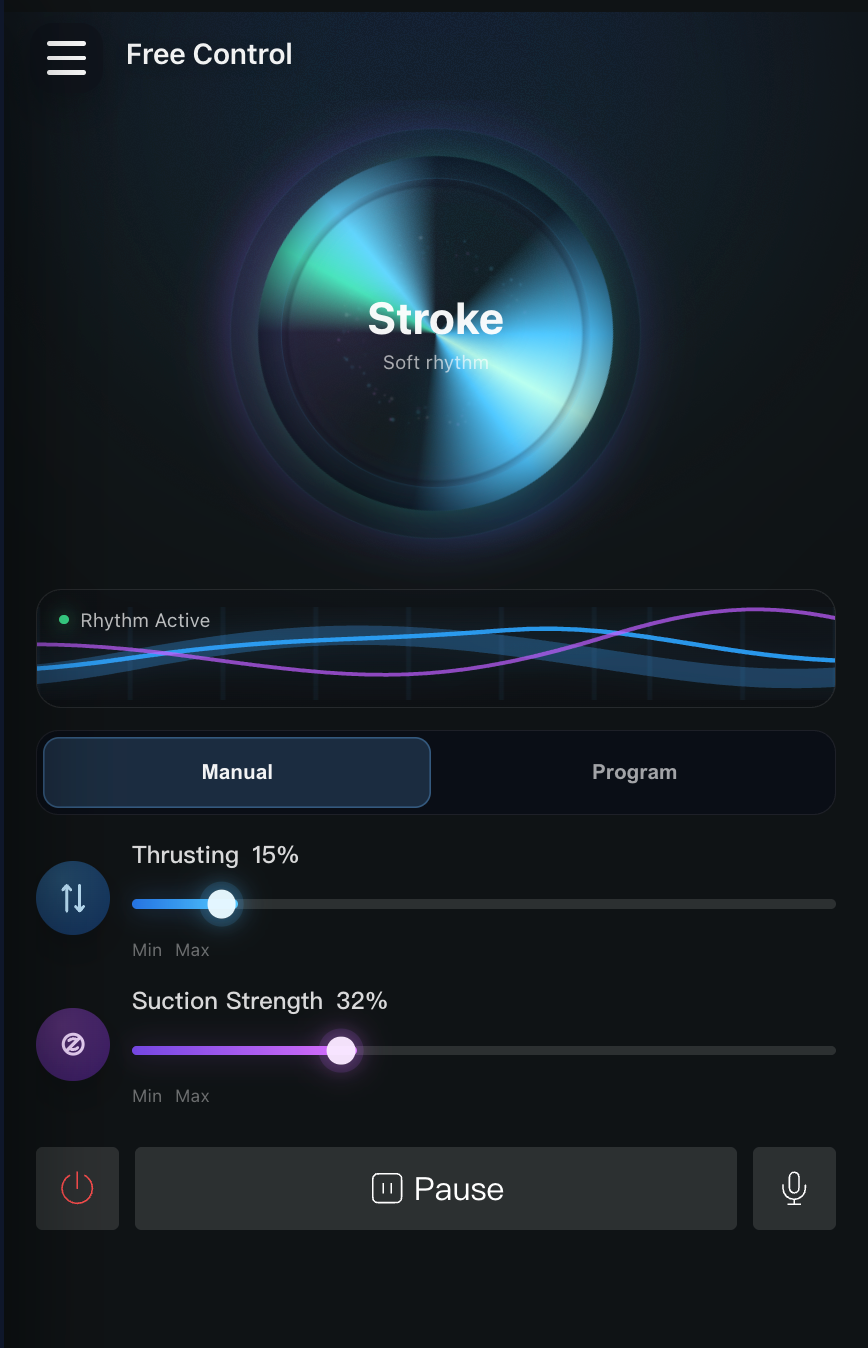
Manual Control
In manual control, the user or their partner can freely adjust the device movement speed and rhythm. This mode is useful when the user wants direct control instead of an AI-driven or content-synchronized experience.
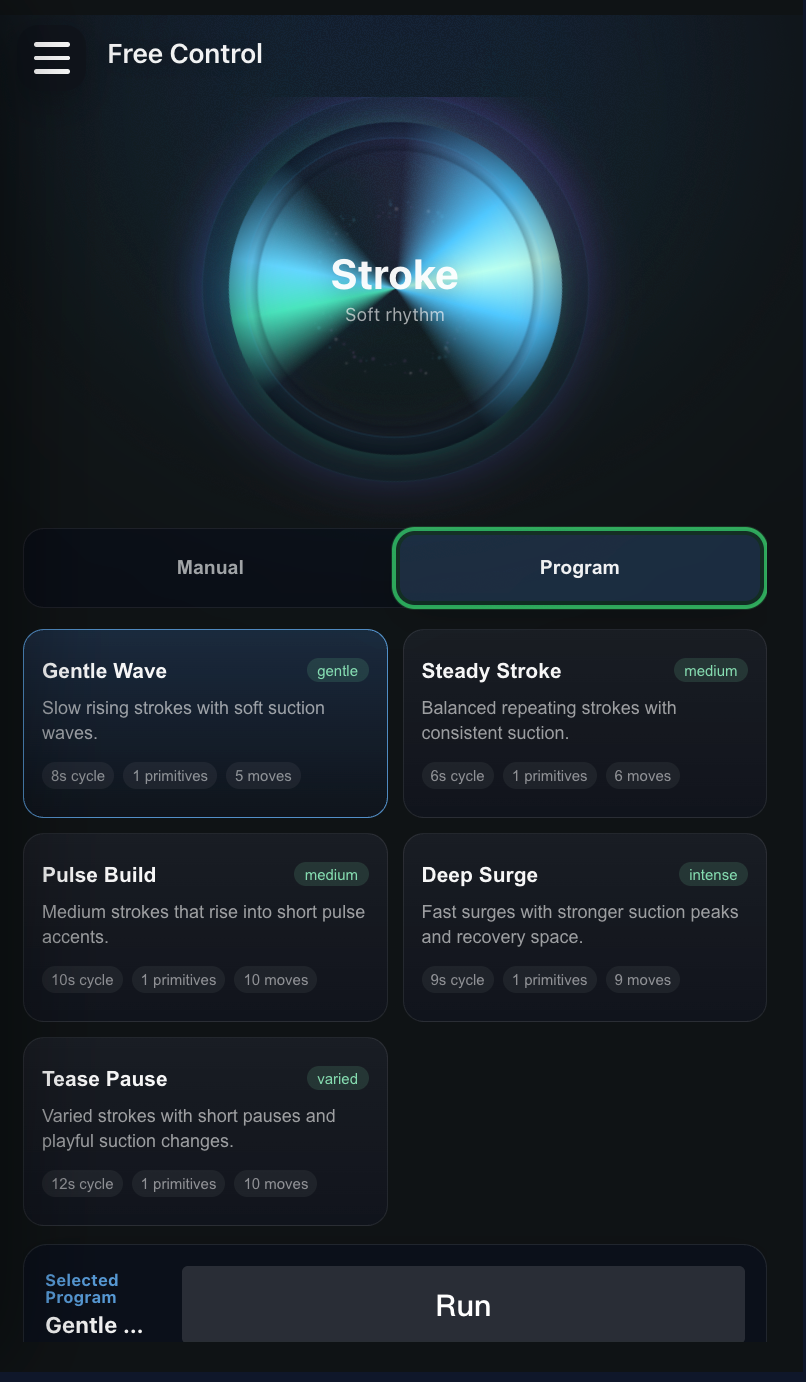
Program
In program control, the user can choose from rhythms built into the system. This gives the user a quick way to switch between preferred motion styles without manually adjusting every movement setting.